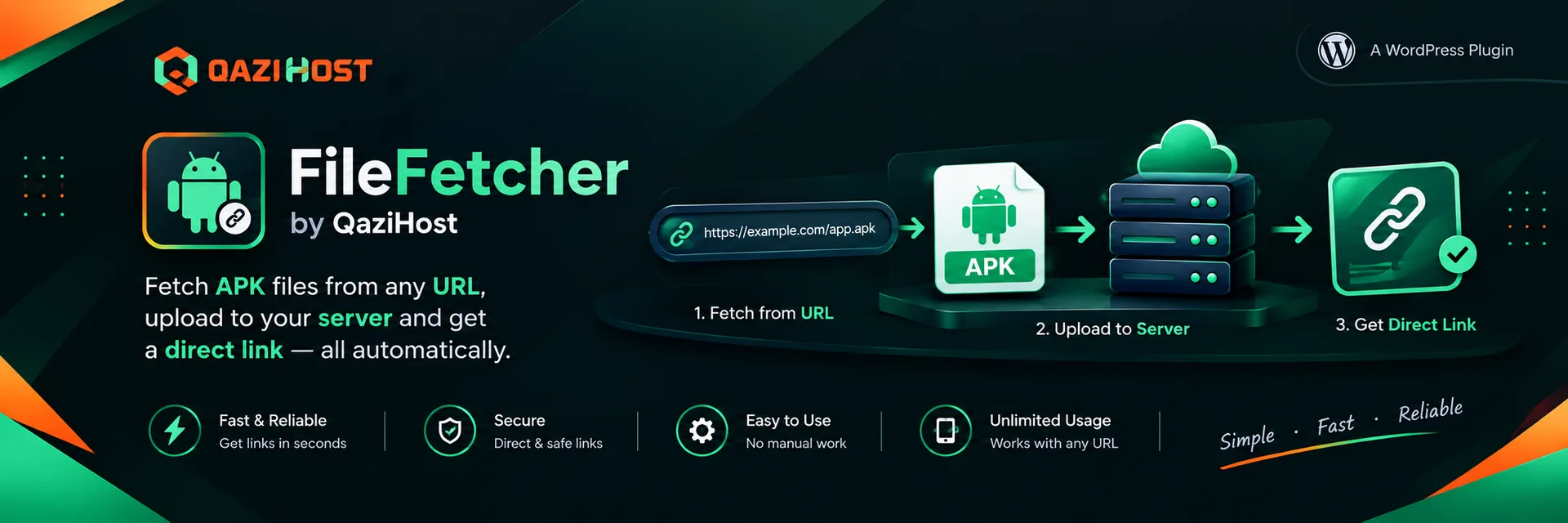

FileFetcher by QaziHost
Fetch any file from a URL straight into your server's public_html and get a clean direct link.
See it in action
FileFetcher pulls a file from any http(s) URL, streams it straight to disk inside your site root (public_html) and hands you a clean direct link. No more downloading to your computer and re-uploading over FTP.
Everything lives in one animated admin panel under QaziHost FileFetcher in the WordPress sidebar, and every action runs over AJAX without a page reload.
Features
Fetch File
- Paste a link and press Fetch. The plugin checks the file is reachable and shows its name, size and type.
- Edit the file name before downloading.
- Press Download to server and watch a live progress bar with percentage, speed, time left and elapsed time.
- When it finishes you get the file name, size, time taken, a Download button and copyable direct, tracked and embed links.
- The last five files are listed right under the fetcher.
List Files
- Every fetched file with size, type, date and tracked download count.
- Inline rename with an alert that the link has changed.
- Copy URL, open, embed code and delete per row.
- Select many files and delete them in one go.
- Search, sort, pagination and a horizontal scroll on small screens.
Download-button shortcode
Drop a styled download button anywhere with [filefetcher id="12"] — pick the label, style (solid, outline or soft), size, colour, icon, file-size badge, tracked counting, new-tab behaviour and alignment. [filefetcher_url id="12"] prints only the URL. Full attribute list below.
System Requirements checker
- Live checks for PHP, WordPress, cURL, HTTPS, OpenSSL, Fileinfo, the database table, folder permissions, execution time, memory, disk space, proxy limits and whether the update server is reachable — each with a green check when it passes.
Settings
- Storage folder and base directory, size and time limits, allowed and blocked extensions, TLS verification, user agent, download-button defaults and uninstall behaviour.
Automatic updates
- New versions arrive through the normal WordPress updater (Dashboard → Updates) straight from qazi.host, with an Updates card and a Check for updates button on the Support tab.
Safe by default
- Admin-only and nonce protected.
- SSRF-safe URL validation; executable extensions are refused before any bytes land on disk.
- PHP execution disabled inside the storage folder; path-traversal proof.
Shortcodes
[filefetcher id="12" label="Download the guide" style="solid" size="md" color="#0EA5E9" icon="yes" show_size="yes" tracked="yes" new_tab="yes" align="center"]id– file id from List Files (orfile="name.zip")label– button textstyle–solid,outlineorsoftsize–sm,mdorlgcolor– any hex colour, e.g.#0EA5E9icon–yes/noshow_size–yes/notracked–yesto count downloadsnew_tab–yesto open in a new tabalign–left,center,right
[filefetcher_url id="12"] prints only the URL (add tracked="yes" for the counted link).
Frequently asked questions
Where are files saved?
By default in public_html/downloads/ (the downloads folder inside your WordPress root). Change the folder, or switch to the document root when WordPress lives in a sub-directory, under Settings.
Can I save directly in the public_html root?
Yes — leave the folder setting empty. Overwriting is disabled there and no protection files are written, so a dedicated folder is recommended.
What about huge files?
Downloads stream to disk, so memory is not a limit. Raise Maximum file size and Timeout in Settings for very large files. If your site sits behind Cloudflare the browser request may be cut after 100 seconds, but the server keeps downloading and the panel keeps polling until it finishes.
Is it free?
Yes. FileFetcher is free for everyone and released under the GPLv2 (or later) license.